
 View menu
About VNK's
VNK's is committed to delivering high-quality products that meet the stringent demands of customers and the market, ensuring we uphold our initial promises.




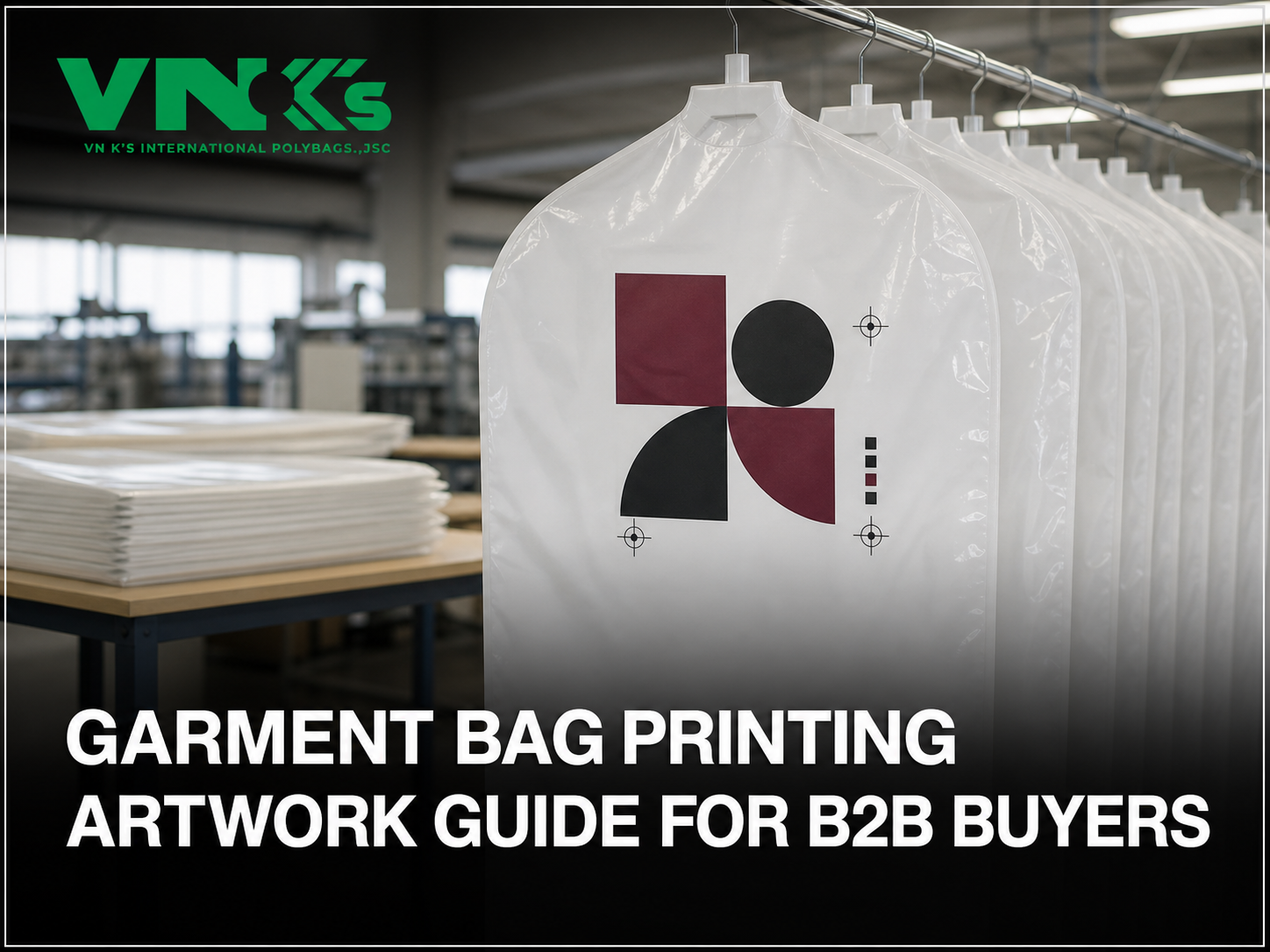




A logo file is not a production-ready artwork package. For garment bag printing, the design must be connected to the physical cover, separated into printable colors and approved with a clear revision reference.
Without those controls, a logo can be technically correct but appear upside down when the bag is dispensed, sit too close to the hanger opening or reproduce with small text that is difficult to read. The buyer, designer and manufacturer should therefore agree on both appearance and production instructions before print tooling is prepared.
This article focuses on lightweight plastic film covers for garments on hangers. Reusable fabric covers, zippered travel bags and small poly bags for folded apparel require different construction and printing decisions.
Begin with an approved bag drawing that identifies:
– the front, back and any gusset panels;
– the shoulder profile and hanger opening;
– the finished cut or perforation position;
– the bag length and print repeat;
– the direction in which film travels through production;
– the direction in which the customer will view the hanging garment.
Place artwork on this drawing rather than on an empty rectangle. It shows whether the logo crosses a fold, falls outside the print area or becomes hidden by the garment. It must also distinguish the leading film edge, hanger end and top of the logo.
The artwork brief should list each printed color separately. Descriptions such as “dark red” or “same as our website” are not sufficient production targets because screens, lighting and film color can change the appearance.
For each color, provide:
– a unique color name or reference;
– whether it prints as a solid or screened area;
– the approved physical or measured target, if color accuracy is important;
– whether the color prints over white film, clear film or another printed layer;
– which elements belong to that color separation.
Custom printed garment bags may look different from a digital mockup because the substrate contributes to the final appearance. A color approved on white film should not automatically control the same design on transparent or colored film.
The approval record should state which reference has priority if available references do not look identical.
Convert the design into controlled print colors
Flexographic printing transfers ink from a raised plate to the film. Fine positive text can become heavier, while small reverse text can lose open space as surrounding ink spreads into the letterforms.
There is no universal minimum font size or line width for every garment-cover project. The practical limit depends on the film, artwork, color count and printing setup. Ask for a prepress feasibility review before treating small legal text, thin lines or intricate logos as approved.
Use these rules when preparing the first version:
– keep critical text in one color where possible;
– avoid building small text from two or more colors that must register precisely;
– give reverse text more open space than positive text;
– avoid extremely thin rules and tightly spaced details;
– outline or package required fonts according to the agreed file workflow;
– provide the original editable artwork rather than only a low-resolution image.
The printer should confirm project-specific limits. The designer can then adjust the artwork intentionally instead of discovering the problem after the plate or sample stage.
On a transparent garment cover, a white area in the design file can have three different meanings:
1. print white ink;
2. leave the clear film unprinted;
3. show a placeholder that is not part of the production artwork.
These meanings must not be inferred. Use clearly named artwork layers and include a legend showing printed white and intentionally clear areas. If a colored design needs a white base, identify the base as a separate print element and confirm how far it extends beyond or inside the colored image.
For white polyethylene film, an unprinted area already appears white. The artwork should still distinguish the substrate from any printed white element so later material changes do not silently change the design intent.
Large solids, fine screens and small reverse elements create different reproduction demands. Review them as one print condition rather than isolated graphics.
Where two colors meet, the prepress team may need an intentional overlap to reduce visible gaps caused by normal color-to-color movement. That adjustment should be based on the actual print setup. The buyer should approve the visible result and avoid prescribing an unsupported universal overlap value.
High ink coverage can also change how fine reverse details appear. If a large logo contains small text cut out of a solid block, prepare an enlarged view in the proof and confirm readability at actual size.
Artwork approval does not replace print-performance approval. Film surface condition, ink selection and production settings can affect adhesion and appearance. If rub or adhesion is a buyer risk, define a separate evaluation method instead of assuming that a visually correct proof guarantees performance.
The artwork drawing should control position from stable bag features. For example, locate the logo from the centerline and hanger end rather than saying “approximately in the middle.” Add dimensions for the print width, print height and distance from the hanger opening, folds, gussets or perforation.
Also confirm:
– one-side or two-side printing;
– whether the two sides use the same or different artwork;
– reading direction when the garment is hanging;
– reading direction as the cover leaves the roll;
– the print repeat and the number of impressions per cover;
– whether warning or handling text repeats separately from the logo.
A scaled PDF can support visual approval, but the controlled production file should retain exact dimensions and editable color separations.
Assume the starting product request is a 21″ x 4″ x 54″ white polyethylene garment cover, printed burgundy and black on one side. The artwork brief should add:
| Field | Example instruction |
|—|—|
| Artwork ID | GB-PRINT-001, revision 01 |
| Bag drawing | Approved construction drawing attached |
| Print side | Front side only |
| Colors | Burgundy logo and black text, each as a separate color |
| Print position | Dimension from centerline and hanger end on drawing |
| Orientation | Read upright when the garment is hanging |
| Clear or white areas | White is the film substrate unless marked as printed ink |
| Text control | Critical wording supplied as editable text and outlined reference |
| Color approval | Buyer-supplied target plus approved production-relevant sample |
| Regulatory copy | Exact buyer-approved wording and placement supplied separately |
| Approval | Signed artwork PDF, color reference and physical print sample |
The brief should show unresolved fields as “to be confirmed.” A revision number must change whenever text, color, position, dimensions or orientation changes.
One signature should not be expected to control every aspect of garment bag printing. Separate approvals make responsibilities clearer:
1. Construction approval confirms the artwork is placed on the correct bag geometry.
2. Content approval confirms logos, spelling, warning text and languages.
3. Prepress approval confirms color separations, print dimensions and technical adjustments.
4. Color approval identifies the reference used for production expectations.
5. Physical sample approval confirms the result on the intended film and at actual size.
Keep these records under the same job and revision code. For repeat orders, state whether the previous approved sample or a newly issued artwork revision controls production.
VNK’s is a plastic bag manufacturer in Vietnam with nearly 20 years of experience in plastic bag manufacturing. We support OEM and custom plastic bag manufacturing based on project specifications. VNK’s can print on HDPE and LDPE bags using flexographic printing, with up to 12 colors and two-sided printing. If you are preparing a garment-cover artwork project, send the bag drawing, editable design, color references and approval requirements. Our team can review the print request and discuss whether the project is suitable for development.

The optimal solution for your order at the most competitive price.